Why Does My Canon Printer Say Offline When It’s Connected?
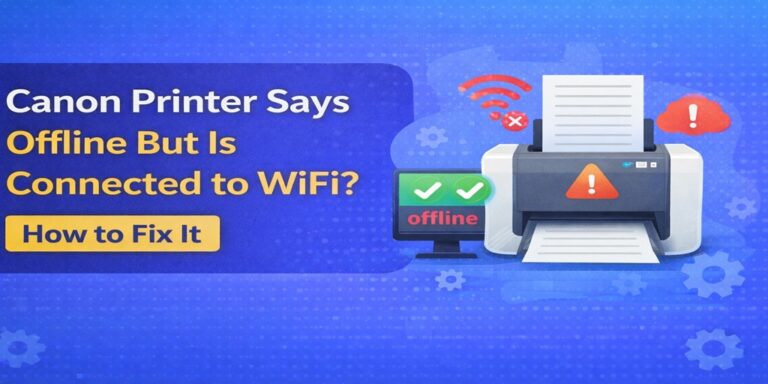
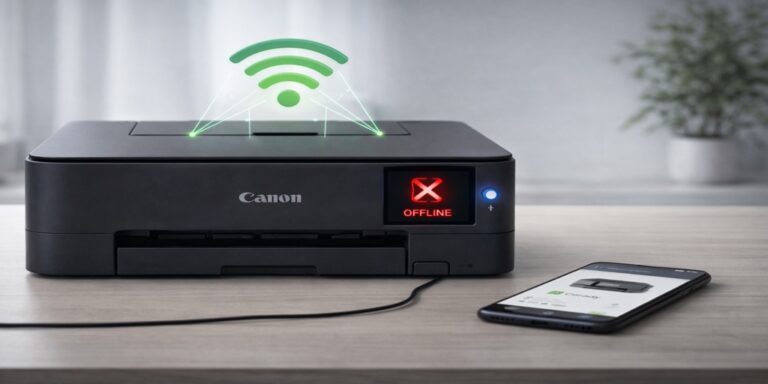
If you’re staring at your screen wondering why does my Canon printer say offline when it’s connected, you’re not alone. This is one of the most common and frustrating printer problems. The printer is powered on, connected to Wi-Fi or USB, and sometimes even shows “Ready” on its own display—yet your computer insists it’s offline.
At Printer Offline Fix, we see this issue daily with Canon printers used at home and in offices. The good news? In most cases, nothing is “broken.” The problem is almost always a communication mismatch—and it can be fixed.
This guide explains why it happens, what’s actually going wrong behind the scenes, and how to fix it properly so it doesn’t keep coming back.
What “Offline” Really Means (And What It Doesn’t)
When your computer says a Canon printer is offline, it doesn’t mean the printer has lost power or stopped working. It means your computer can’t communicate with the printer the way it expects to.
Think of it like calling someone at an old phone number. The person exists, the phone is on, but you’re dialing the wrong line. That’s exactly what happens with many offline errors.
The Most Common Reasons Canon Printers Show Offline While Connected
1) The Printer Port Is Incorrect
One of the biggest causes we find is an incorrect printer port. After updates or network changes, your system may try to send print jobs through the wrong port type (often WSD instead of TCP/IP).
When this happens, the printer stays connected to Wi-Fi, but your computer talks to the wrong address—so it shows offline.
2) The Printer’s IP Address Changed
Most home routers assign IP addresses automatically. If your router restarts or your network resets, your Canon printer may receive a new IP address.
Your computer, however, still tries to reach the old one. Result?
Connected printer. Offline status.
This is especially common with wireless Canon models.
3) Driver Problems or Partial Driver Corruption
Drivers are the bridge between your operating system and your printer. A corrupted or outdated Canon driver can break that bridge without warning.
This often happens after:
- Operating system updates
- Interrupted driver installations
- Automatic driver replacements
The printer appears connected, but the driver can’t properly translate print commands.
4) Print Spooler Issues
The print spooler is a background service that manages print jobs. If it freezes, crashes, or gets stuck on a failed job, your Canon printer may suddenly show offline—even though nothing changed physically.
This is a silent issue users rarely notice until printing stops.
5) Firewall or Security Software Interference
Some antivirus or firewall programs block printer communication on the network. The printer connects to Wi-Fi, but the software prevents data from passing between the computer and printer.
From your side, it looks like the printer is online but unreachable.
Why Restarting “Fixes” It—But Only Temporarily
Many users restart:
- The printer
- The computer
- The router
And printing works again… for a while.
This happens because restarting resets temporary communication paths, but it doesn’t fix the underlying configuration problem. Once the system encounters the same mismatch again, the printer goes offline.
That’s why the issue keeps returning.
How to Fix a Canon Printer That Says Offline (Properly)
A lasting fix usually requires checking and correcting the connection method, not just restarting devices.
Key steps include:
- Verifying the correct printer port is selected
- Ensuring the Canon driver matches your operating system
- Assigning a stable connection path for wireless printers
- Clearing stuck print queues safely
- Confirming the spooler service is running properly
Each Canon setup is different. A fix that works for one model may not work for another, which is why generic guides often fail.
Wireless vs USB: Does the Connection Type Matter?
Yes, it does.
Wireless Canon Printers
Wireless printers are more prone to offline issues because they rely on:
- Network stability
- Router behavior
- IP address consistency
They’re convenient, but sensitive to changes.
USB-Connected Canon Printers
USB printers usually go offline due to:
- Driver conflicts
- Power management settings
- Spooler errors
They’re simpler, but not immune.
Understanding which connection you’re using helps pinpoint the cause faster.
When the Printer Says “Ready” But the Computer Says “Offline”
This mismatch confuses many users.
The printer’s display only shows its own status, not whether your computer can reach it. Your computer checks a different set of conditions—ports, drivers, services, and network paths.
Both can be “right” from their own perspective, yet still fail to communicate.
Why Professional Troubleshooting Saves Time
Printer offline issues look simple, but they’re rarely solved with one click. Random changes can actually make things worse by creating multiple conflicting settings.
At Canon Printer Offline Fix, our technicians:
- Diagnose the exact failure point
- Fix the root cause, not symptoms
- Test stability after the repair
- Make sure the issue doesn’t return
That’s what turns a temporary fix into a permanent one.
When to Get Expert Help
You should consider expert support if:
- Your Canon printer keeps going offline repeatedly
- Restarting only fixes it briefly
- You’ve tried multiple guides without success
- Printing is critical for work or deadlines
In most cases, the fix is fast once the real cause is identified.
Final Thoughts
So, why does my Canon printer say offline when it’s connected?
Because your computer and printer are no longer speaking the same language—due to ports, drivers, network changes, or system services.
The printer isn’t broken.
The connection is.
With the right diagnosis and correction, your Canon printer can stay online and reliable instead of dropping offline again and again.
If you want the issue fixed correctly the first time, Printer Offline Fix is here to help.